Social media reach keeps shrinking, ad costs keep rising, and search is changing fast. Through all of it, one channel has stayed reliable: the email list. People who gave you their email address want to hear from you, and you can reach them any time without paying for each click.
Yet many small businesses either don’t email at all or send a random newsletter twice a year. This guide fixes that. We’ll walk through a simple plan for email marketing for small business: how to build a list, which tool to use, the four automations that do most of the work, how to stay out of spam and what to measure.
The short version
- Email marketing is still one of the highest-return channels, often cited at around $36 for every $1 spent.
- Your list is an asset you own. Build it with a clear reason to sign up, not by buying contacts.
- Four automations do most of the work: welcome, lead follow-up, review requests and win-back.
- Since 2024, Gmail and Yahoo require proper authentication, easy unsubscribes and low complaint rates. Set these up first.
Why Email Marketing Works So Well for Small Businesses
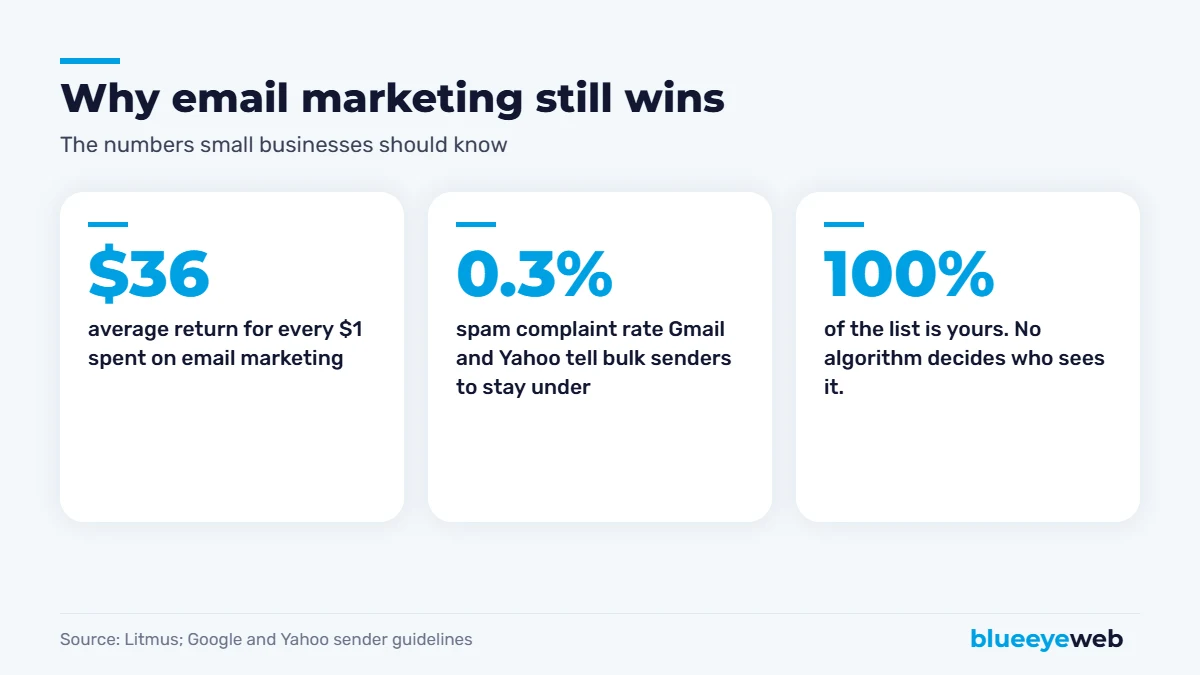
Industry research from Litmus puts the average return at around $36 for every dollar spent on email. Your results will vary, but the reasons email works are simple:
- You own the audience. An algorithm change can’t take your list away.
- It’s cheap. Most tools have free or low-cost plans for small lists.
- It’s personal. Emails land in the same inbox as messages from friends and family.
- It reaches warm contacts. Everyone on your list already knows you, which makes them far more likely to buy than a stranger.
- It’s measurable. You can see clicks, bookings and sales from every email.
Step 1: Build Your Email List the Right Way
Your list is only as good as the people on it. A small list of interested customers beats a big list of strangers every time.
Start with the contacts you already have
Past customers, current clients and people who’ve asked for quotes are your warmest audience. If they’ve done business with you, you can usually email them about related services, but always include an easy way to unsubscribe.
Give people a real reason to sign up
“Join our newsletter” rarely works. A specific offer does: a discount on the first order, a free checklist, a price guide, early access to sales, a seasonal maintenance reminder or a free assessment. Our own Free AI Visibility Check is an example of an offer people actually want.
Put signup forms where people already are
Add a simple form to your website footer, a dedicated landing page, your checkout, your Google Business Profile posts, social media profiles and even your counter or invoices. Ask for as little as possible: an email address and maybe a first name.
Never buy an email list. Purchased contacts didn’t agree to hear from you, which leads to spam complaints, poor deliverability and possible legal trouble. It can damage your ability to reach your real customers too.
Step 2: Choose an Email Marketing Tool
You don’t need an expensive platform to start. Look for a tool with easy templates, automations, signup forms, list segmentation, good deliverability and integrations with your website, store or CRM. Popular choices for small businesses include:
| Tool | Good for | Note |
|---|---|---|
| Mailchimp | General small business newsletters | Well known, many integrations |
| MailerLite | Simple, affordable automations | Clean editor, generous free plan |
| Klaviyo | Online stores | Deep Shopify and WooCommerce data |
| Brevo | Email plus SMS on a budget | Priced by emails sent, not contacts |
| Constant Contact | Local businesses and events | Strong support and templates |
| Hostinger Reach | Sites hosted on Hostinger | Built into the hosting dashboard |
Pricing changes often and most tools offer a free plan or trial, so try one with a real email before committing. If you already use a CRM, check its built-in email features first. Our guide to the best CRM for small business covers which ones include email marketing.
Step 3: Set Up the 4 Automations That Do Most of the Work
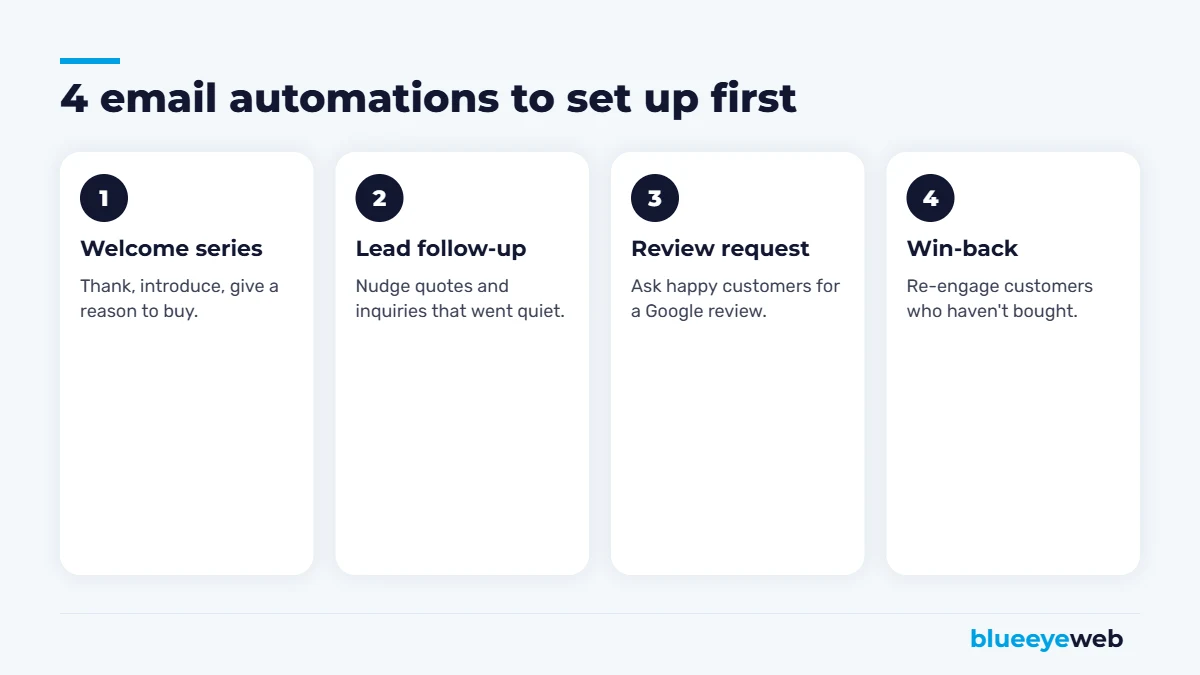
Automations are emails that send themselves when someone takes an action. Set them up once and they work every day. These four cover most small businesses.
1. Welcome series
When someone joins your list, send two or three emails over a week: thank them and deliver what you promised, introduce your business and what makes you different, then give a clear reason to take the next step. Welcome emails usually get the highest engagement of anything you send.
2. Lead follow-up
When someone requests a quote or fills in a form and goes quiet, a short, friendly follow-up a few days later brings back a surprising number of jobs. Combine it with AI lead follow-up for instant first replies.
3. Review request
A day or two after a job or delivery, send a short email asking happy customers to leave a Google review, with a direct link. It’s one of the easiest ways to grow your reviews. See our tips on how to get more Google reviews.
4. Win-back
If a customer hasn’t bought in a few months, send a friendly check-in with something useful: a seasonal reminder, a new service or a small offer. For e-commerce, add abandoned-cart and post-purchase emails to this list.
Step 4: Send Regular Emails People Want to Read
On top of automations, send a regular campaign, monthly or every two weeks. Consistency matters more than frequency. Good topics for small businesses:
- Seasonal tips related to your service (“Getting your AC ready for summer”).
- Answers to questions customers ask you every week.
- Before-and-after projects, case studies and customer stories.
- New services, products or team members.
- Limited-time offers, with a real deadline.
- Your latest blog post, with a short summary and a link.
Write emails like a person, not a brochure
Use a clear subject line that says what’s inside. Keep the email short and scannable. Focus on one main message and one call to action. Send from a real person’s name when you can. And write the way you’d talk to a customer at the counter.
Use segments to make every email more relevant
Even simple segments help: new subscribers versus past customers, one service versus another, or customers by city. A roofing customer in Boca Raton and a new newsletter subscriber in Miami don’t need the same email. Most tools let you tag contacts automatically based on the form they used or what they bought, so segmentation takes almost no extra work once it’s set up.
Step 5: Stay Out of the Spam Folder
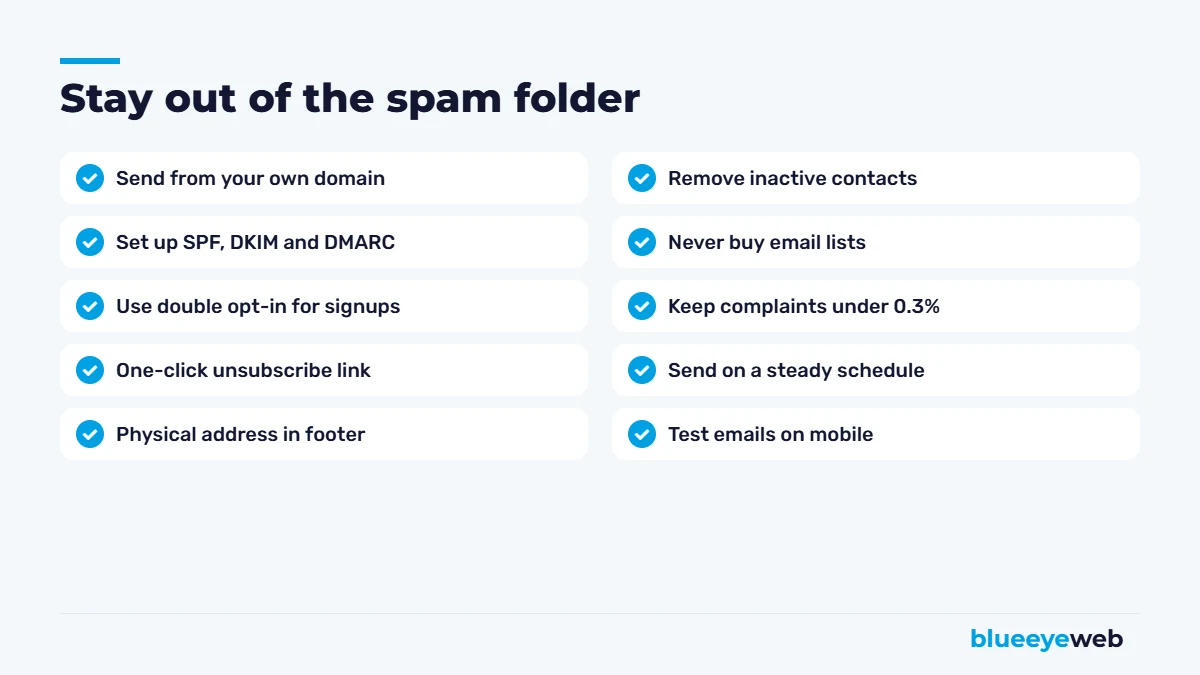
Deliverability is the part most small businesses get wrong. Since 2024, Google and Yahoo have required bulk senders to authenticate their email, offer one-click unsubscribe and keep spam complaints low, with Gmail advising senders to keep spam rates below 0.1% and never reach 0.3%. Even if you send smaller volumes, following these rules keeps you in the inbox.
- Send from your own domain, not a free Gmail or Yahoo address. Our business email setup handles this.
- Set up SPF, DKIM and DMARC records so inbox providers can verify your emails are really from you.
- Use double opt-in for website signups to keep fake and mistyped addresses out.
- Clean your list every few months by removing people who haven’t opened in a long time.
- Make unsubscribing easy. A frustrated reader who can’t unsubscribe hits “spam” instead.
Follow the law
In the US, the CAN-SPAM Act requires honest subject lines and sender information, a physical mailing address in every marketing email, a clear way to opt out and honoring opt-outs promptly. If you email customers in Canada or Europe, stricter consent rules apply.
Email Marketing Ideas by Industry
Not sure what to send? Here’s what tends to work for different kinds of small businesses.
Restaurants and cafes
Weekly specials, new menu items, event nights, holiday hours and a birthday offer. Short emails with a great photo and a clear “reserve” or “order online” button work best.
Home services
Seasonal maintenance reminders (AC tune-ups before summer, gutter cleaning before hurricane season), storm-prep tips, before-and-after projects and a referral offer. Service reminders alone can fill your schedule in slow months.
Retail and e-commerce
New arrivals, restocks, product guides, customer photos, abandoned-cart reminders and post-purchase tips on using what they bought. Segment by what people browse and buy, and your emails will feel personal.
Professional services
Plain-English explanations of deadlines and changes that affect clients, short case studies, checklists and invitations to book a review call. Being the helpful expert in someone’s inbox builds trust long before they need you.
Clinics, salons and wellness
Appointment reminders, rebooking prompts, new treatments, staff introductions and seasonal care tips. Keep health-related messages general and respect privacy rules for anything sensitive.
Whatever your industry, the formula for email marketing for small business stays the same: be useful most of the time, make an offer some of the time, and always make the next step easy.
Step 6: Measure What Matters
Open rates used to be the main metric, but privacy features in Apple Mail and other apps now inflate them, so treat opens as a rough signal only. Focus on:
| Metric | What it tells you | What to do |
|---|---|---|
| Click rate | Whether your content and offer interest people | Test subject lines, offers and calls to action |
| Conversions | Calls, bookings and sales from each email | Track with UTM links and GA4 |
| Unsubscribe rate | Whether you’re sending the right content and frequency | Segment your list, adjust frequency |
| Spam complaints | Whether people trust your emails | Keep well under 0.3%, clean your list |
| List growth | Whether your signup offers work | Improve forms, offers and placement |
Add UTM tags to links in your emails so Google Analytics shows exactly how much traffic and revenue email brings. That’s how you prove email marketing for small business is paying off, and where to focus next.
Common Email Marketing Mistakes
- Only emailing when you want something. Mix helpful content with offers.
- One list for everyone. Segment by customer type, service or location so emails feel relevant.
- Giant images with little text. They load slowly, look broken when images are blocked and can trigger spam filters.
- No mobile check. Most emails are read on phones. Test before every send.
- Giving up too early. Email builds trust over months, not days.
A Simple Monthly Email Routine
If you’re busy, here’s a routine that takes about two hours a month: in week one, write and schedule one helpful campaign. In week two, check your automations and fix any broken links. In week three, review clicks and conversions from last month. In week four, add new signup sources or improve your offer. Small, steady effort beats one big burst followed by silence.
Want email marketing that runs itself?
We set up your email platform, signup forms, welcome series, follow-ups and review requests, connected to your website and CRM, with proper authentication so your emails land in the inbox.
Frequently Asked Questions
Yes. Email is inexpensive, you own your list and it reaches people who already know you. Litmus research puts average returns at around $36 for every $1 spent, though results vary by business.
Most small businesses do well with one regular campaign per month or every two weeks, plus automated emails like welcome series and follow-ups. Consistency matters more than volume.
Popular options include Mailchimp, MailerLite, Klaviyo for online stores, Brevo, Constant Contact and Hostinger Reach. Choose based on ease of use, automations, integrations and price for your list size.
Send from your own domain, set up SPF, DKIM and DMARC, use double opt-in, make unsubscribing easy, never buy lists and remove inactive contacts regularly.
Usually you can email customers about products or services related to what they bought, as long as you follow CAN-SPAM rules, including a clear opt-out and your physical address. Stricter rules apply in Canada and Europe.
Start with a welcome series, lead follow-up for quotes and inquiries, review requests after a job or purchase, and a win-back email for inactive customers.