
Professional email on your own domain with Microsoft 365 or Google Workspace, set up with the right DNS records so your messages reach the inbox instead of spam.
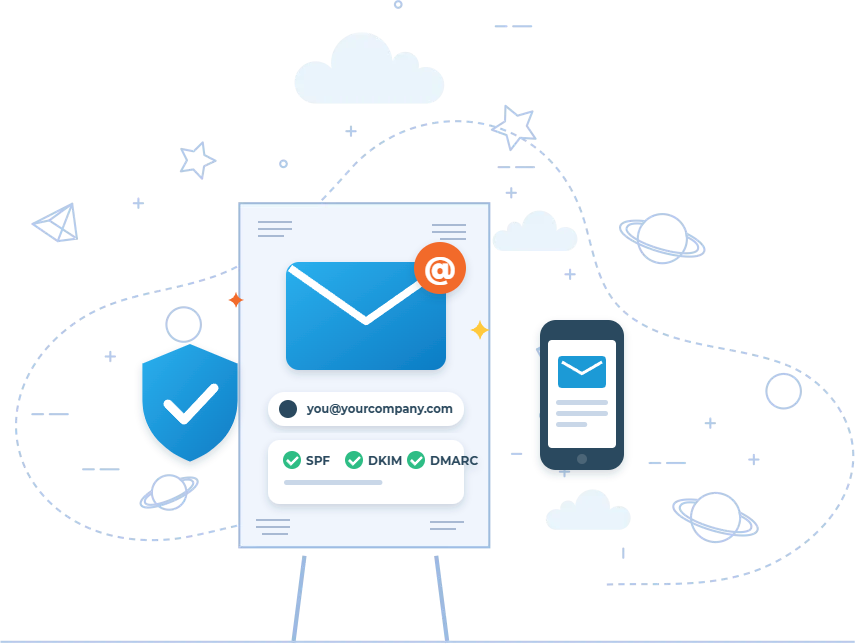
Look Professional and Land in the Inbox
A free email address makes even a great business look less established, and a poorly configured domain email can send your quotes and invoices straight to spam. Business email done right fixes both problems.
We set up professional email on your domain, migrate your existing messages and configure the technical records that prove your emails are legitimate. Your team gets reliable email on computers and phones, with shared mailboxes and calendars where needed.
We also fix existing email setups that have delivery problems, missing records or a confusing mix of providers.
What We Set Up
01
Domain Email Accounts
Professional addresses such as name@yourcompany.com for every team member, plus aliases like info@ and sales@.
02
SPF, DKIM and DMARC
The authentication records email providers check before delivering your messages, configured and tested.
03
Email Migration
Existing messages, contacts and calendars moved from Gmail, Outlook.com, your old host or another provider.
04
Shared Mailboxes and Groups
Team inboxes and distribution groups so customer emails never depend on one person.
05
Devices and Signatures
Email configured on computers and phones with consistent, professional signatures.
06
Security Settings
Multi-factor authentication, spam and phishing protection and sensible sharing rules.
Who It Is For
Business email setup is ideal for new businesses, companies still using personal Gmail or Yahoo addresses, and teams whose emails often end up in spam.
It is also important for online stores and businesses sending invoices, quotes or newsletters from their own domain.
Fast, Low-Risk Setup
Most business email setups are completed quickly with no lost mail. We handle the DNS changes with your domain provider, test delivery and confirm everything works on every device.
You receive a short summary of the accounts, security policies and settings for your records.
Frequently Asked Questions
Can I keep my current domain?
Yes. We set up email on the domain you already own and update its DNS records. If you do not have a domain yet, we can help register one.
Why do my emails go to spam?
The most common causes are missing SPF, DKIM or DMARC records, sending from a shared or blacklisted server, and mismatched sending domains. We check and fix all of them.
Which is better for email, Microsoft 365 or Google Workspace?
Both offer reliable business email. The choice usually depends on whether your team prefers Outlook and Office apps or Gmail and Google Docs.
Will my website still work after DNS changes?
Yes. We change only the email-related records and leave your website records untouched.
Do you only support businesses in Florida?
We are based in Boynton Beach and support businesses across Palm Beach County and South Florida, and most of our IT work can be done remotely for clients anywhere in the United States.
Get Professional Business Email
Tell us your domain and team size and we will recommend the right setup and send a quote.
Tell us a little about your business and what you need. We reply within one business day with next steps and, if it is a fit, a clear written quote.